Zodiac Crypt2.9.2
Publisher Description
Do you think you're good at puzzles? Are you interested in ciphers and codes?
Then this cipher game is perfect for you!
Zodiac Crypt
is a free cryptography game where you decode cryptograms.
A cryptogram (sometimes called cryptoquote or cryptoquiz) is a puzzle that contains an encrypted text. Your goal is to reveal this text by replacing symbols in the cipher with letters.
Here you can demonstrate your puzzle-solving skills by decoding ciphers created by other people. You can also add your own cryptograms to challenge other solvers.
And you can even try to become the first person who decodes the Zodiac cipher - a nearly half-century cryptogram created by the infamous Zodiac Killer!
Zodiac Crypt
provides everything to ensure you have a good time cracking ciphers, including:
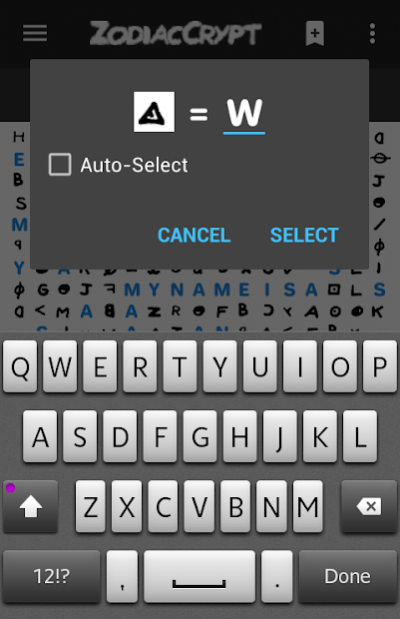
- an easy-to-use
symbol substitution
;
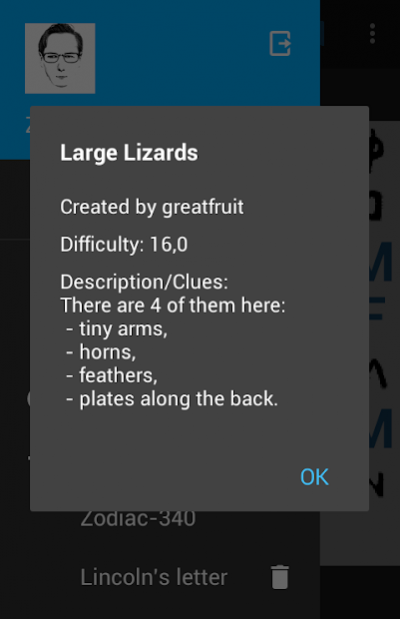
- a
bookmark
system that allows you to remember promising decrypting steps;
- a feature to
search
for words in a cipher;
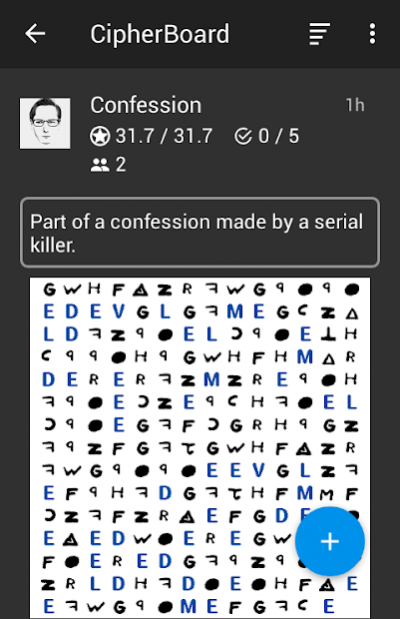
- the
CipherBoard
, where you can see crypto puzzles online and import them;
-
solution checking
to check your decryption results;
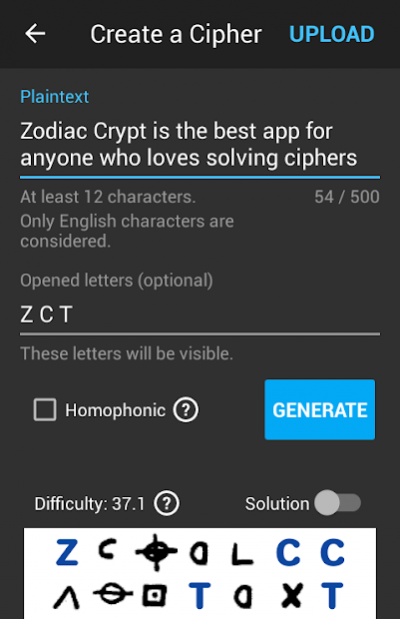
- a cipher
generator
for you to create and upload your own ciphers;
- a
points
system to let you compete with other cryptogram solvers;
-
notifications
that you can turn on to know when there are new ciphers uploaded on the CipherBoard.
So come and see if you
really
are good at puzzles!
---------------------------
Icons by
Icon8
About Zodiac Crypt
The company that develops Zodiac Crypt is Dmitry Akishin. The latest version released by its developer is 2.9.2.
To install Zodiac Crypt on your Android device, just click the green Continue To App button above to start the installation process. The app is listed on our website since 2018-07-18 and was downloaded 28 times. We have already checked if the download link is safe, however for your own protection we recommend that you scan the downloaded app with your antivirus. Your antivirus may detect the Zodiac Crypt as malware as malware if the download link to com.deakishin.zodiac is broken.
How to install Zodiac Crypt on your Android device:
- Click on the Continue To App button on our website. This will redirect you to Google Play.
- Once the Zodiac Crypt is shown in the Google Play listing of your Android device, you can start its download and installation. Tap on the Install button located below the search bar and to the right of the app icon.
- A pop-up window with the permissions required by Zodiac Crypt will be shown. Click on Accept to continue the process.
- Zodiac Crypt will be downloaded onto your device, displaying a progress. Once the download completes, the installation will start and you'll get a notification after the installation is finished.
Program Details
System requirements
Download information
Pricing
Version History
version 2.9.2
posted on 2018-07-18
Fixed some issues on Android 8.0.
Minor changes in design.
Implemented an adaptive icon and a shortcut.
Top Solvers are now expanded to 25 best users.
version
posted on 2017-11-14
Fixed the Zodiac-340 cipher markup mistakes.
version 1.5.1
posted on 2016-09-17
"Board" feature, providing ability to upload, view and import solutions;,+minor updates: long press on checkpoint icon to create a named checkpoint.
